AI Product Photography Prompts: Turn One Product Photo Into Five Creative Scenes
One product photo can inspire a series of distinctive visuals. This guide explains how to build premium, UGC-style product concepts while keeping the product recognisable. About the examples: The sneaker is fictional and the people and scenes are AI-generated creative concepts, not customer testimonials. Check real products, materials, labels and claims before publication. Start with […]
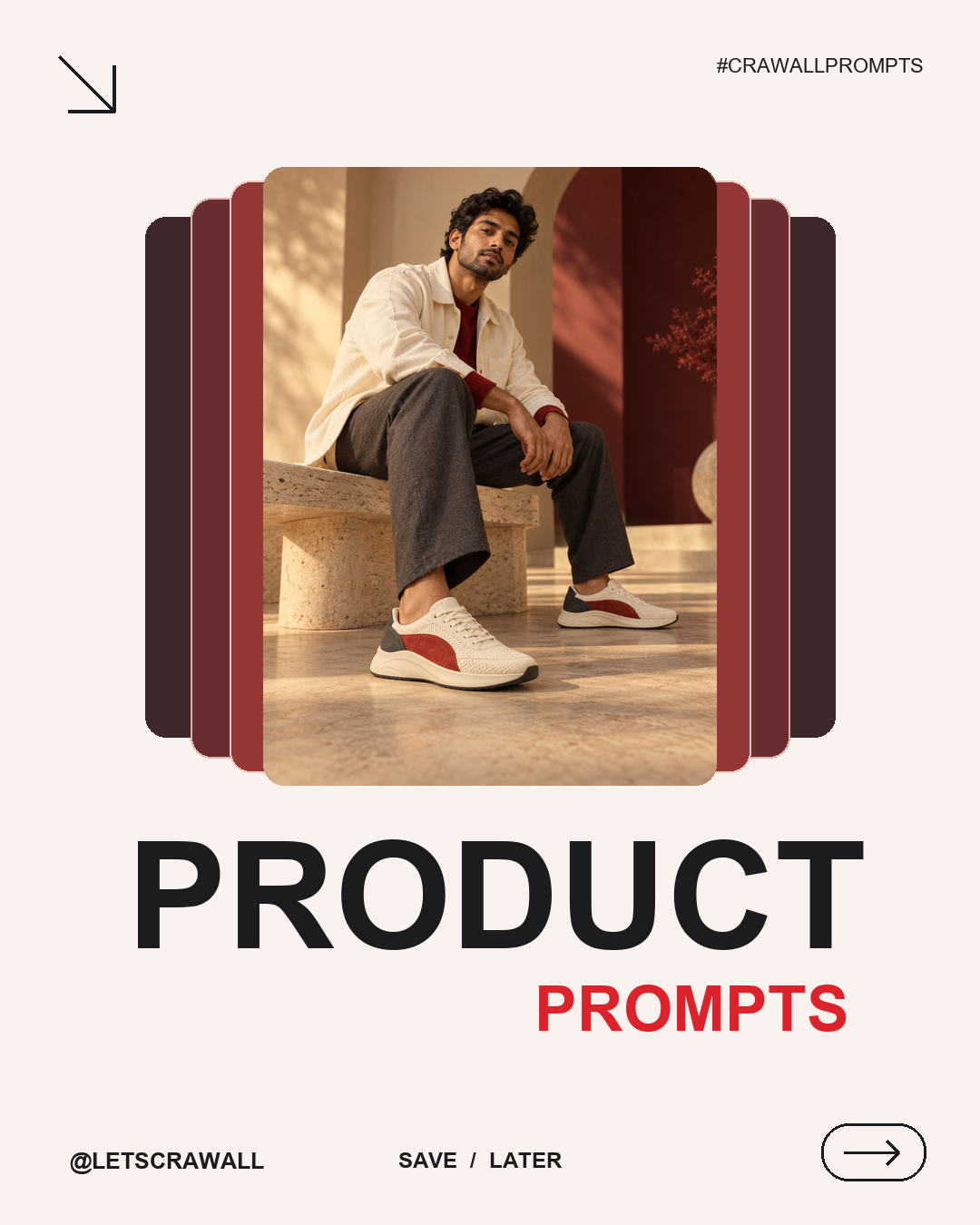
One product photo can inspire a series of distinctive visuals. This guide explains how to build premium, UGC-style product concepts while keeping the product recognisable.
About the examples: The sneaker is fictional and the people and scenes are AI-generated creative concepts, not customer testimonials. Check real products, materials, labels and claims before publication.
Start with a product lock
Use a clear product image you have permission to use. Paste this instruction before each scene:
Use the attached product photo as the sole reference. Preserve the exact silhouette, proportions, colours, materials as visibly shown, details and real logo. Keep the product recognisable. Do not invent features, text or claims. Use believable lighting, anatomy, perspective and contact shadows.
Five scene prompts to try
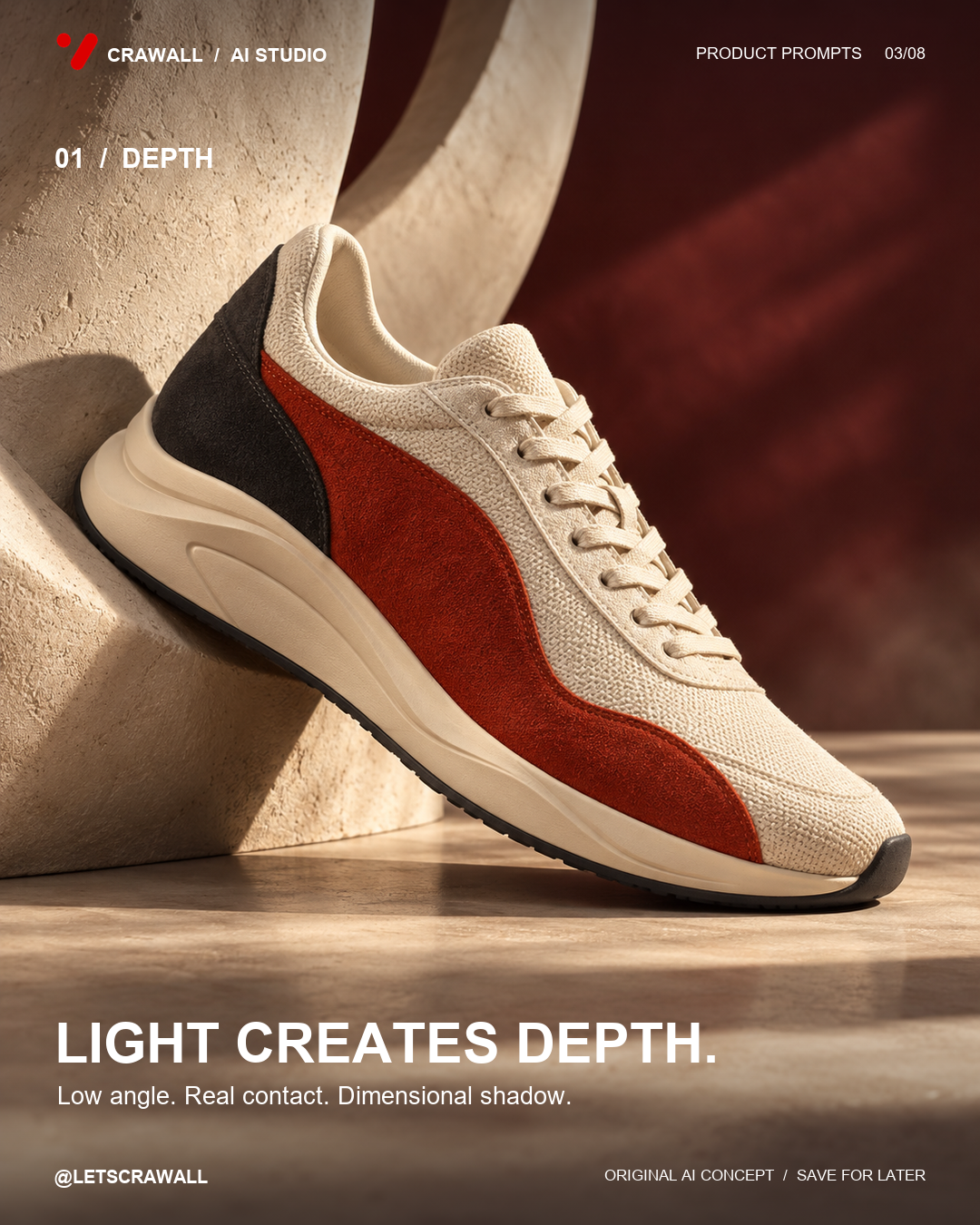
1. Dimensional studio hero
Photograph the product at a low three-quarter angle, resting naturally against an original curved plaster form. Use a warm ivory floor, muted burgundy background, directional afternoon light and a grounded shadow. Show the complete product and its visible texture.
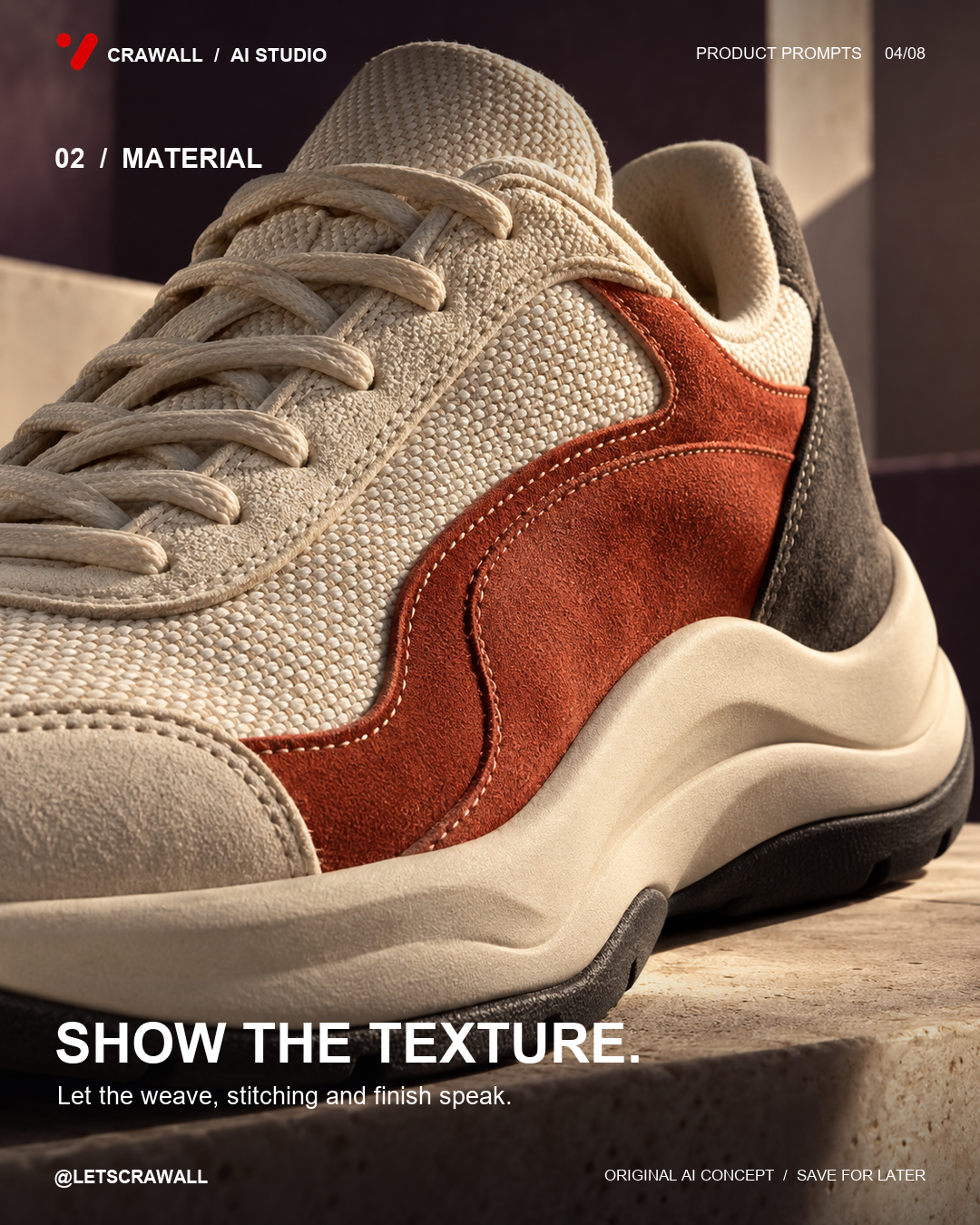
2. Material close-up
Create a close tactile study of the product’s visible texture, construction and details. Use soft raking side light and a shallow depth of field. Keep the product recognisable and do not invent material specifications.
3. Give it a setting
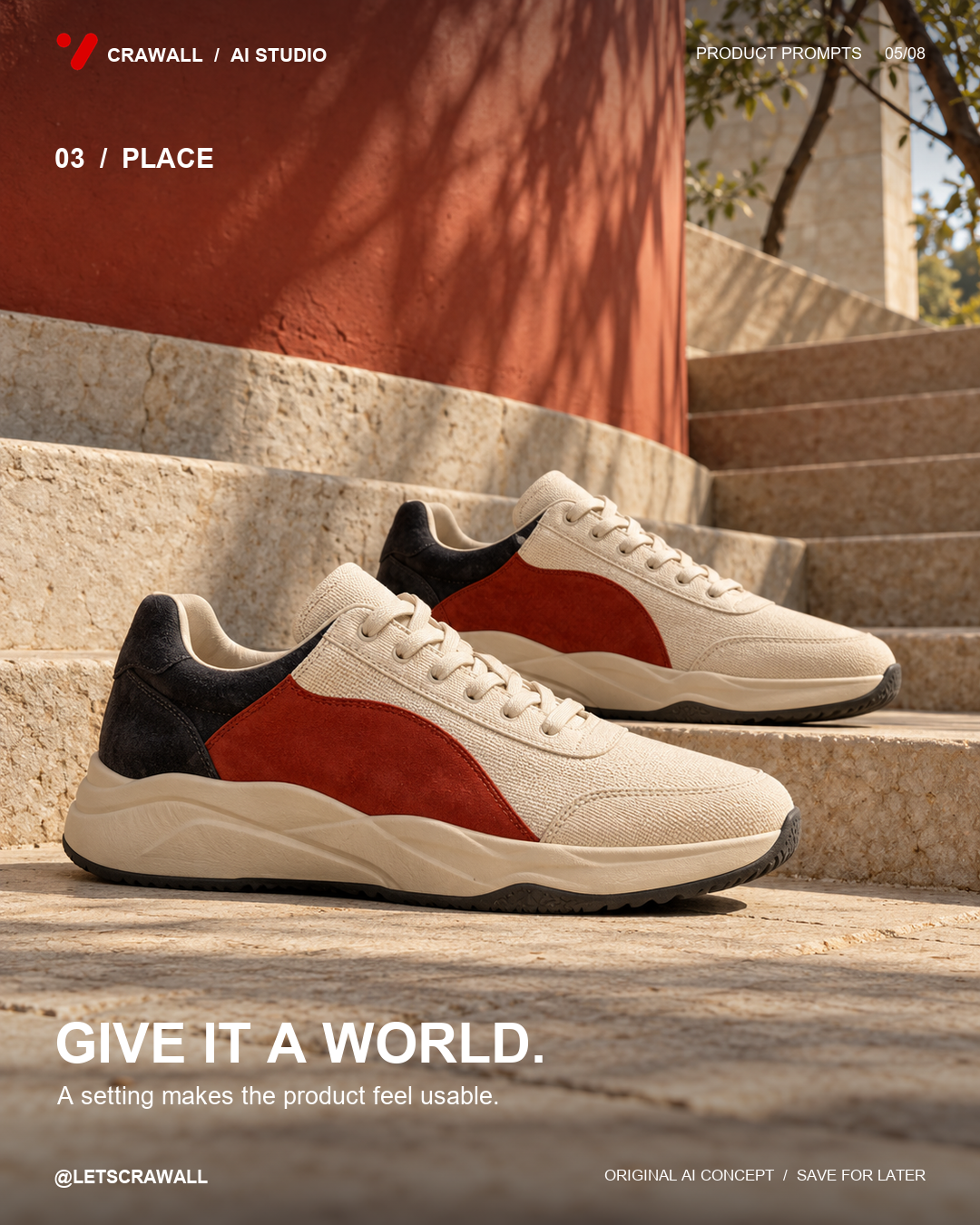
Place the product on pale architectural stone steps near a warm rust-coloured wall. Shoot at product height in natural sunlight. Keep shadows grounded, props minimal and the product visually clear.
4. A natural use moment
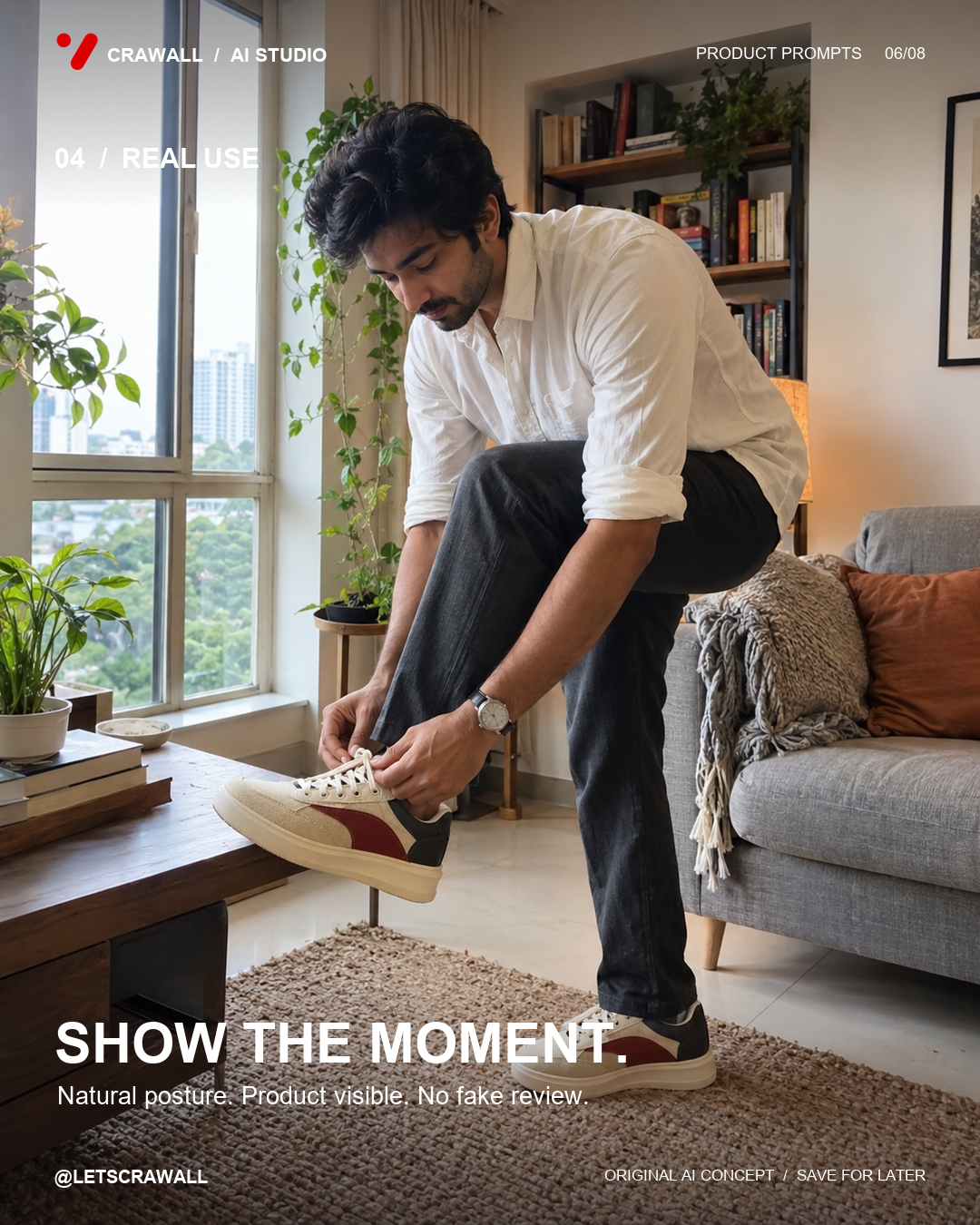
Show a fictional adult naturally using the product at home near a window. Use relaxed body language, believable hands and a tidy lived-in setting. Keep the product visible. Do not present the scene as a real customer review.
5. Lifestyle and mood
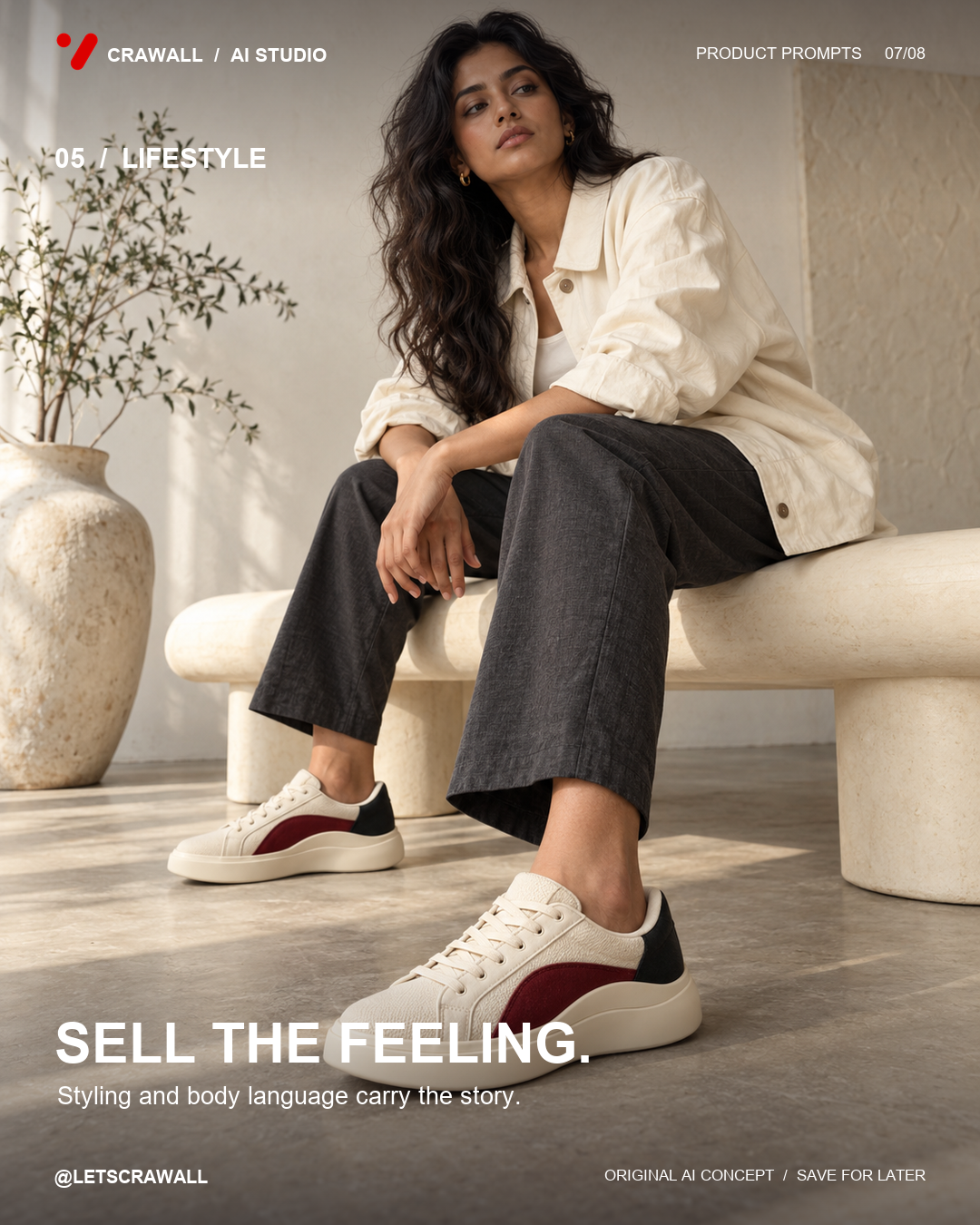
Create an editorial lifestyle scene with a fictional adult in a warm, minimal setting. Use natural light, neutral styling and a product-led composition. Avoid copying another campaign or a real person’s likeness.
Check before sharing
- Compare product shape, colours, logos and details with the reference.
- Check hands, scale, reflections and shadows.
- Use accurate product claims and clearly disclose AI concepts when appropriate.
- Add your own branding and typography during layout.
Save this framework for your next product shoot and explore more creative workflows on Crawall.