Critical PHP security release: what WordPress site owners should do
Check whether your WordPress server is protected from the October 2026 critical PHP vulnerabilities, update safely, and verify the site after patching.
Updated 26 October 2026.
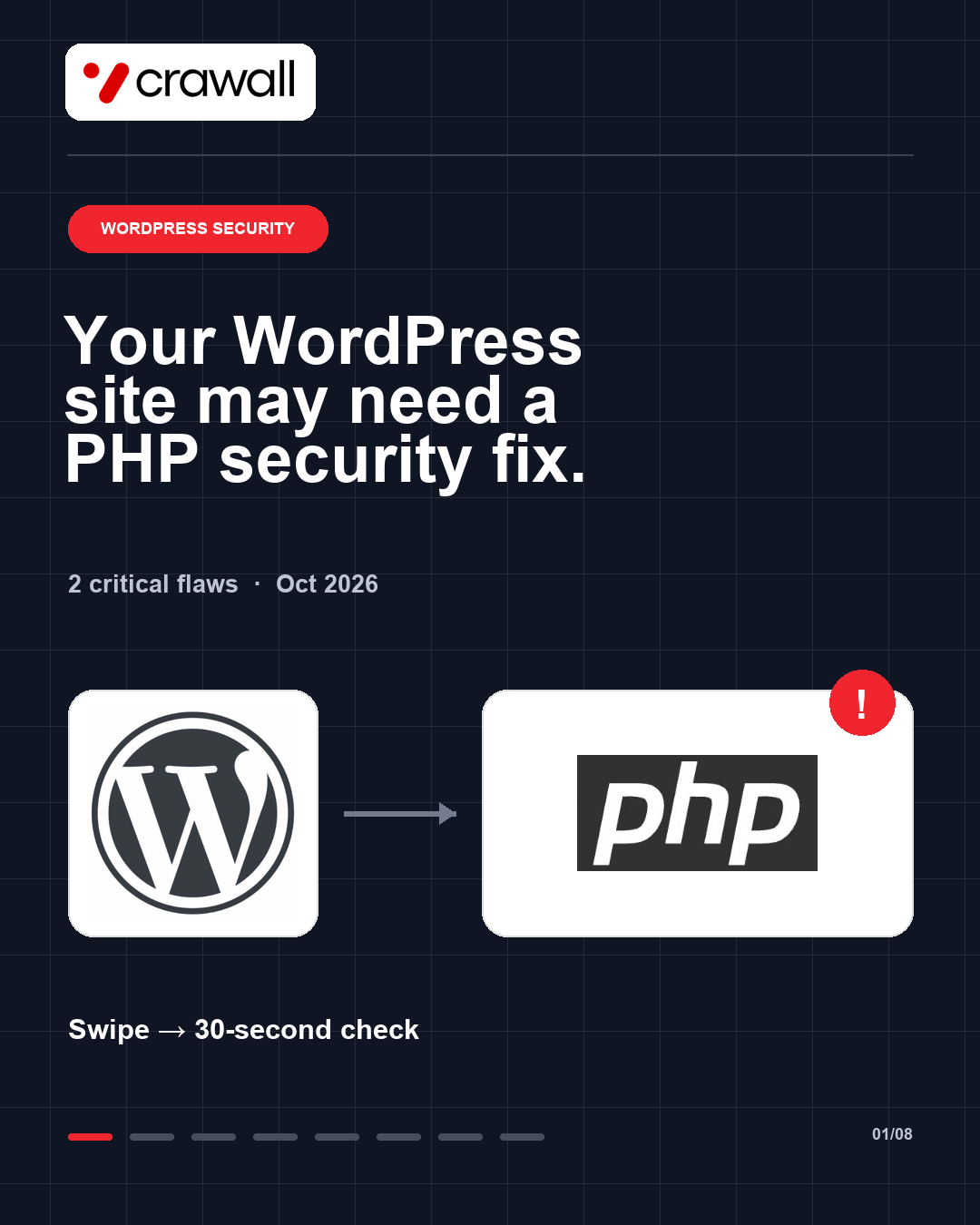
On 21 October, the PHP project released fixes for two critical vulnerabilities, CVE-2026-109618 and CVE-2026-109619, that can allow unauthenticated remote code execution on affected PHP servers. WordPress.org says the flaws are in PHP, not WordPress itself. A WordPress core, plugin or theme update alone does not fix the underlying PHP engine.
1. Check the PHP version your WordPress site uses
Open WordPress Admin → Tools → Site Health → Info → Server and read PHP version. On Crawall, Site Health displayed PHP 8.3.36 when checked on 26 October. The PHP project lists that release among its October 21 fixes.
Do not rely on the version number alone on managed hosting. A provider may apply a backported security patch without changing the version shown in WordPress. Ask the host to confirm the patched build or check the host’s PHP Info build date.
2. Update through your hosting provider when needed
The fixed releases are 8.5.12, 8.4.27, 8.3.36 and 8.2.35. Take a restorable backup before changing PHP. On Hostinger, open Websites → Dashboard → PHP Configuration, select a supported patched version and choose Update.
Hostinger’s managed-hosting notice says it has applied the fix to its managed hosting plans. Hostinger VPS administrators still need to update PHP and restart the PHP workers. Other hosts may use different controls and backport policies, so confirm the patch with your provider.
3. Verify the site after the change
Recheck Site Health or your host’s PHP Info build. Then test the public homepage, WordPress admin, forms, login, checkout, and any custom publishing or automation workflows.
If an update creates a compatibility problem, use your backup or host-assisted rollback, repair the incompatible plugin, theme or code, then move back to a patched PHP build. Leaving an unpatched build live is not a safe long-term fix.
Official sources
- PHP project security advisory
- WordPress.org critical PHP release notice
- Hostinger: check PHP version and build date
- Hostinger: change PHP version
Save this checklist and share it with someone who manages a WordPress site.